Getting online in Morocco is easy and cheap — far cheaper than the international day-pass your US carrier will happily sell you. The only real decision is whether you land already connected with an eSIM, or pick up a local SIM card in the arrivals hall. Both work. Which one suits you depends on your phone, your first two hours in the country, and how far off the main routes you plan to go.
eSIM or local SIM: the short answer
An eSIM is the better choice for most first-timers because it activates before you leave home, which means your phone has data the moment you switch off airplane mode in Casablanca or Marrakech. A local SIM is cheaper per gigabyte and gives you a Moroccan number, but it costs you twenty minutes in the arrivals hall and requires your passport. If your phone supports eSIM, start there.
Why arriving connected matters here
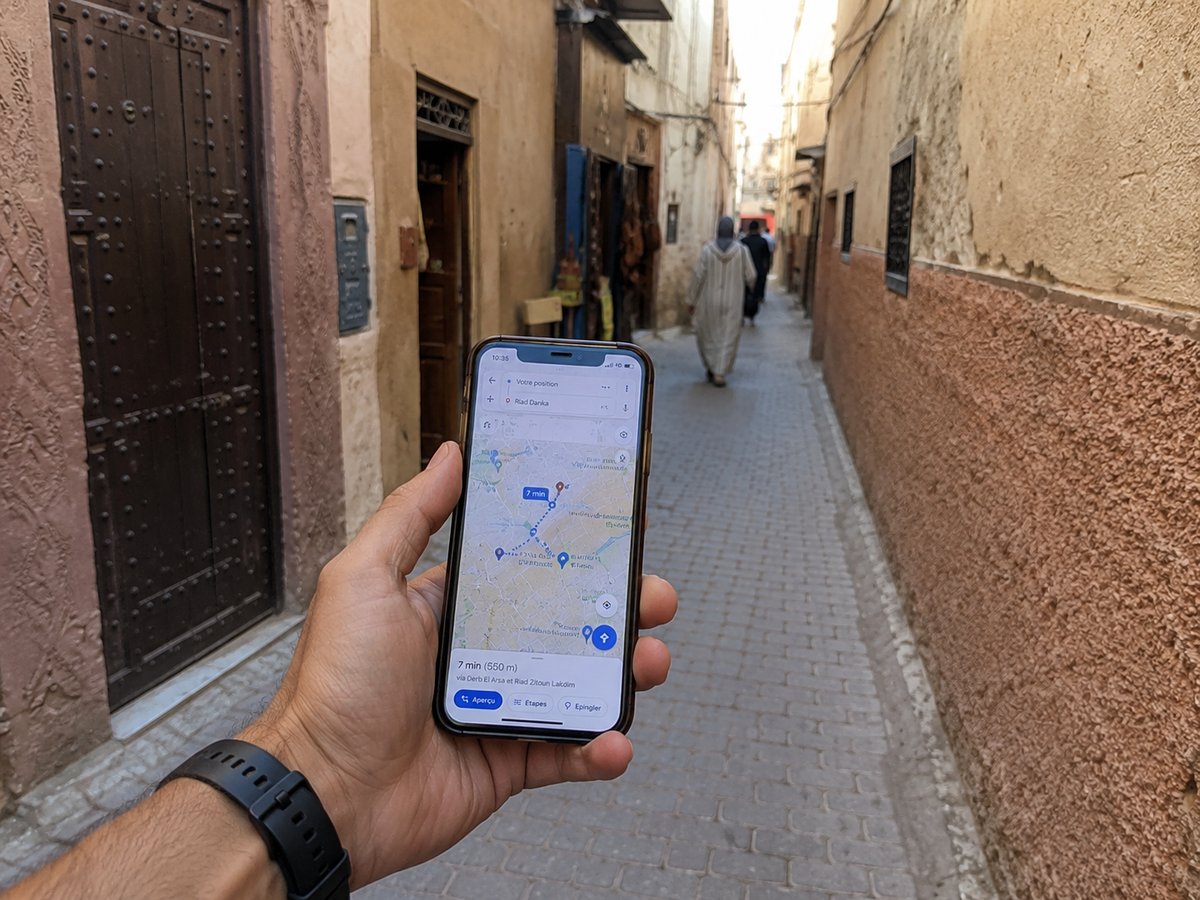
Morocco is a cash country with a closed currency, so your first act on landing is usually finding an ATM rather than a phone shop. Having data already running means you can check a map, message your riad, and confirm your airport transfer without hunting for airport Wi-Fi first. It removes the one moment in the trip where being lost and offline overlap.
Buying a local SIM: the three networks
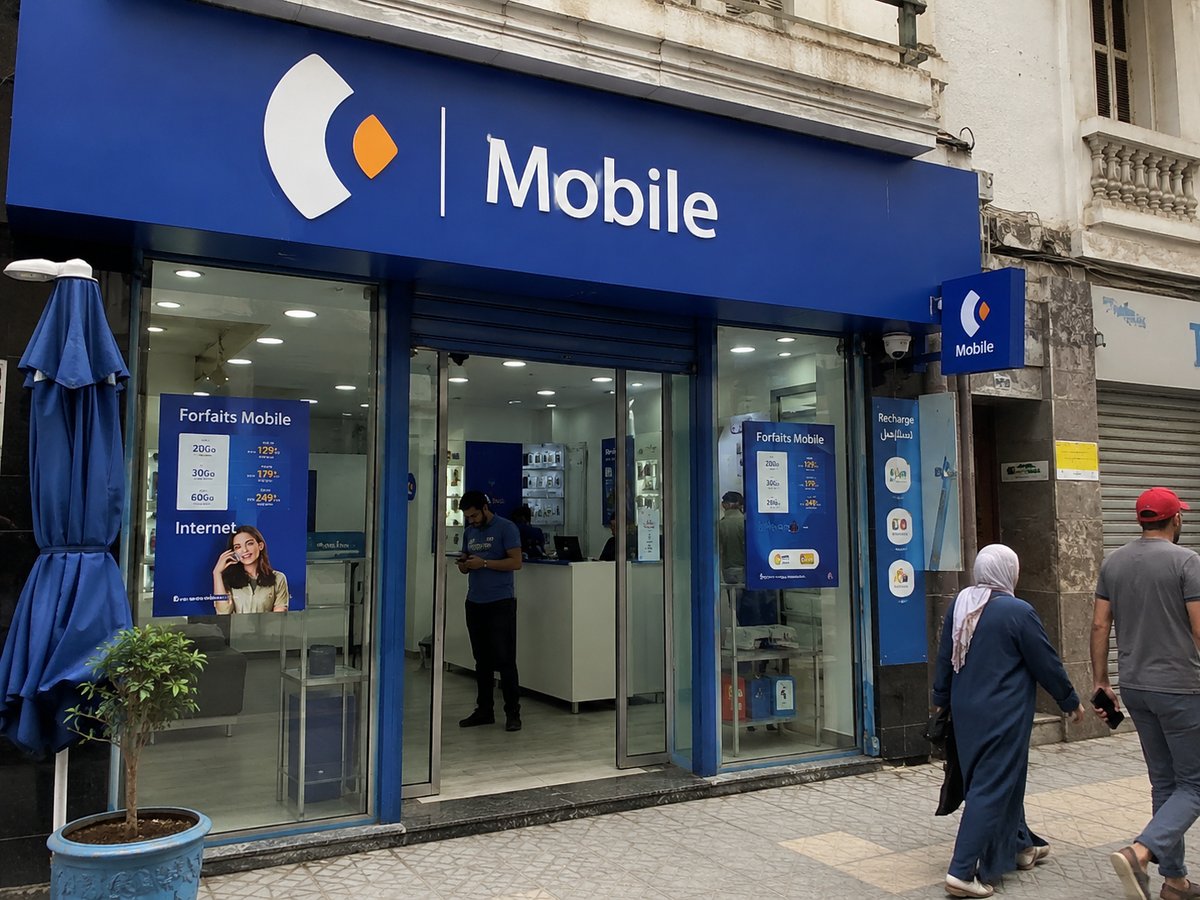
Morocco has three mobile networks — Maroc Telecom, Orange and Inwi — and all three sell prepaid tourist packages heavy on data at prices that will feel almost implausible to an American. You can buy at the airport on arrival or at any operator shop in town, and you will need your passport, since SIMs are registered. Staff will usually set up the package for you on the spot.
Which network to pick
Maroc Telecom has the broadest rural footprint, which matters if you are heading into the Atlas or south toward the desert. Orange and Inwi are comparable in the cities and often slightly cheaper. For a standard first trip built around Marrakech, Fez, Chefchaouen and a Sahara tour, any of the three is fine — this is not a decision worth agonising over.
Where coverage actually stops
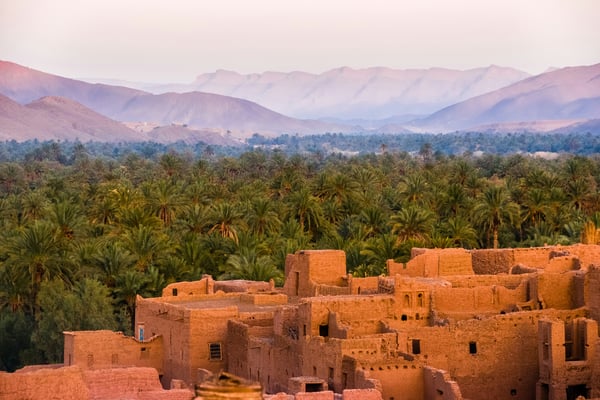
Coverage is strong 4G or 5G across the cities and along the main routes between them, and it stays usable in towns like Chefchaouen and Merzouga. It becomes patchy to nonexistent in the deep Sahara and in the remote High Atlas, which are exactly the places a first trip goes. Download offline maps for those legs before you leave the last city with signal.
What to download before the desert
Offline maps of the region, your riad and camp confirmations, and any tickets you will need on the way back are the practical list. Desert camps often have no signal at all — many advertise this as a feature — so plan on being unreachable for the night and tell anyone at home who might worry. It is one night, and it is the point.
Hotel and riad Wi-Fi
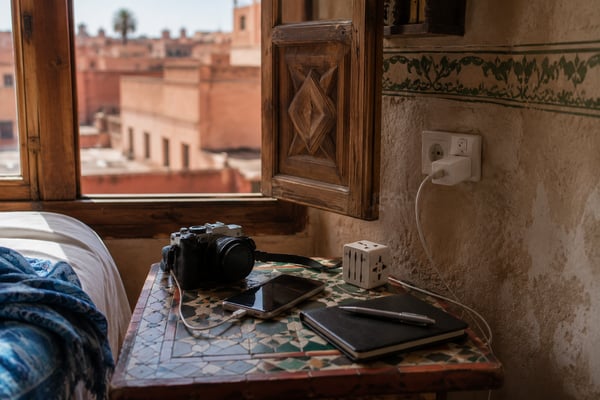
Nearly every riad, hotel and cafe in a Moroccan city offers free Wi-Fi, and in the cities it is generally fast enough for calls and photo uploads. Inside thick-walled riads, signal often reaches the courtyard and the terrace far better than it reaches individual rooms, which surprises people. Ask for the password at check-in and test it before you settle in.
What about using your US carrier?
Your American carrier will offer an international plan for Morocco, typically billed per day, and it is by far the most expensive option available to you. It buys convenience: your number keeps working and nothing changes. For a trip of a week or more the arithmetic stops making sense compared with an eSIM, and for a two-week loop it is not close. Check what your carrier charges before you leave, then compare.
The one case where it wins
If you are in Morocco for two or three nights on a business trip and your number needs to keep receiving calls and verification codes, paying your carrier is simply the least friction. That is a real scenario and it is worth naming, but it is not the first-timer's two-week loop.
Practical setup, in order
Two weeks before departure, confirm your iPhone or Android is unlocked and eSIM-capable in its settings. A day or two before, buy and install your eSIM but do not activate it yet — most plans start counting when the line connects. On landing, switch airplane mode off, let the eSIM connect, and message your accommodation. If you would rather use a local SIM, do that after clearing customs, passport in hand.
Calls, WhatsApp and staying reachable
Moroccans run on WhatsApp, and so will you within a day of landing. Riads confirm arrivals on it, drivers send their position on it, and tour operators use it in place of email. Any data plan covers this, so you rarely need actual call minutes. If you do want a Moroccan number for local calls, that is the one clear argument for a local SIM over an eSIM.
Keeping your US number alive
Most banks and airlines still send verification codes by SMS to your American number, which an eSIM does not receive unless your home line stays active. Keep your US line switched on for texts while running data on the eSIM — nearly every modern phone handles both at once. Test this at home a day before you fly, not in the arrivals hall.
Once you are connected, the rest of the arrival sequence is straightforward: cash first, then your ride into town. Our guide to the dirham covers what to do at the airport ATM, and the first-timer's overview puts the whole arrival in order.
Getting online in Morocco: FAQ
Does my American phone work in Morocco?
Yes, if it is unlocked. Moroccan networks use standard GSM bands compatible with US phones. Locked phones can only roam on your carrier's international plan.
Do I need my passport to buy a SIM card?
Yes. SIM cards in Morocco are registered to a person, so the shop or airport counter will ask for your passport before activating the line.
Is there Wi-Fi in riads?
Almost always, and it is usually free. Expect it to work best in the courtyard and on the terrace — thick riad walls block signal more than you would expect.
Will I have signal in the Sahara?
Assume not. Coverage fades well before the dunes, and most desert camps have none at all. Download offline maps and confirmations before you leave the last town.
Is a local SIM cheaper than an eSIM?
Usually yes, per gigabyte. The trade-off is that you buy it after landing, with your passport, instead of arriving already connected.
Keep planning
Not sure how it all fits together?
Pick your trip length and we'll route a real day-by-day plan.